Here is something nobody tells you about building a website: the words are the part that slows most websites down.
A designer can shape your pages, choose your fonts and colours and make everything work on a phone. But a designer cannot know your offers, your prices or how you talk to your clients. That has to start with you.
This guide shows you everything you need to write, page by page, from your home page to your search text.
If you work with me, it gets a lot easier. You always get my copywriting guide, which walks you through all of this. My Custom Website includes copywriting services. In the Template Restyle and the 1 Week Website, you can write the copy with my guide, or add copywriting services as a paid add-on, so you do not have to write it yourself.
Whether you write it or I do, these are the pieces every website needs.
Step 1: Answer three questions first
Before you write one page, write one sentence for each:
Who is this website for? I help [who] with [what].
What do you offer? My main offer is [name], which includes [what].
What should they do next? The one action I want is [book, buy, subscribe or ask a question].
If you can answer these, the rest is easier. Every page below comes back to them.
Step 2: Set up one document
Use one Google Doc or Word file for the whole site.
One heading for each page, in menu order.
One subheading for each section of the page.
The button text written out, for example “Book a call”.
A note about the image you want in each section.
Write plain text. Do not design anything. That is the designer's job, and when we work together, it is mine.
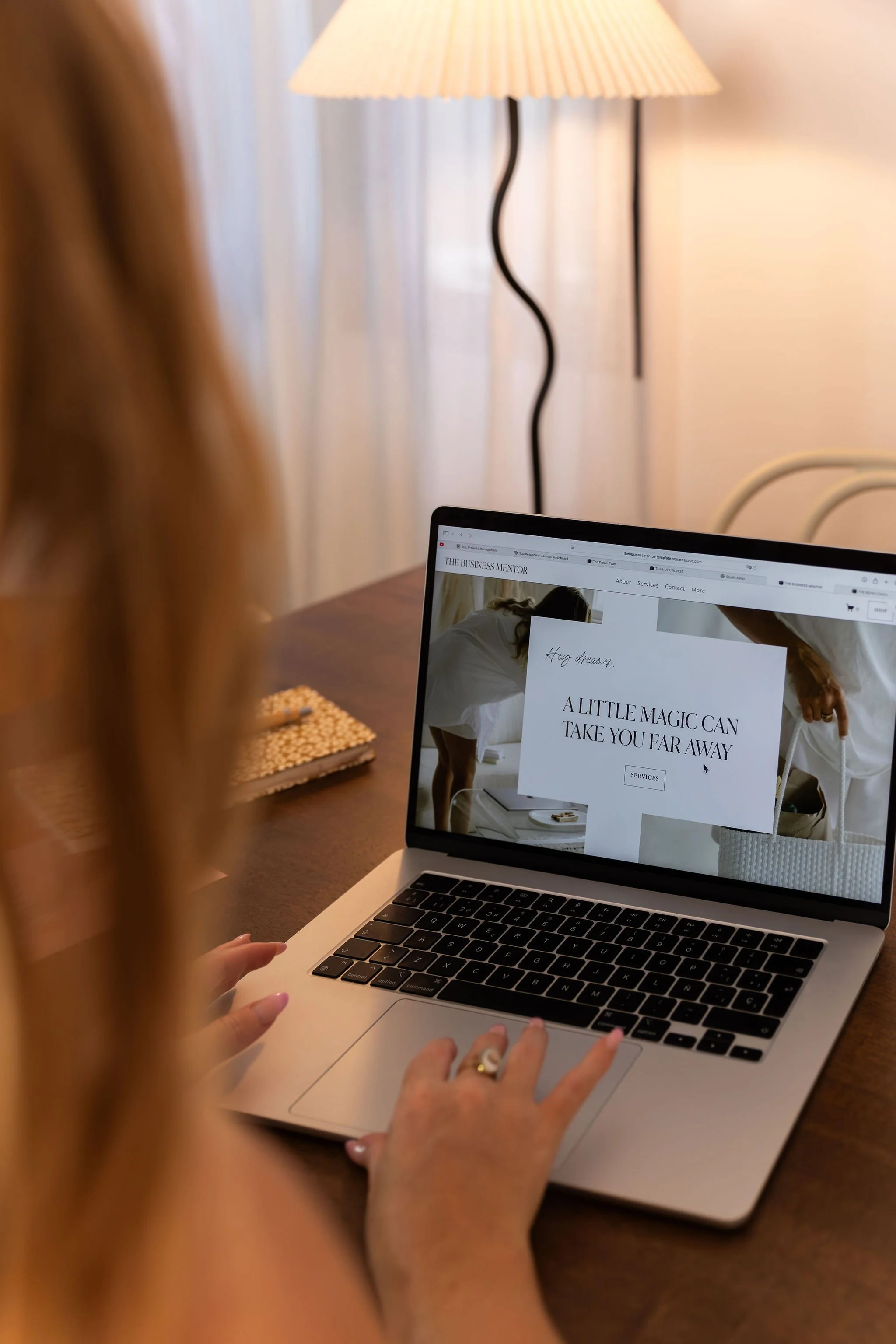
In Squarespace, a page is built from sections, and each section holds text, images and buttons. If your document already follows that shape, everything can be placed quickly.
Step 3: Write each page
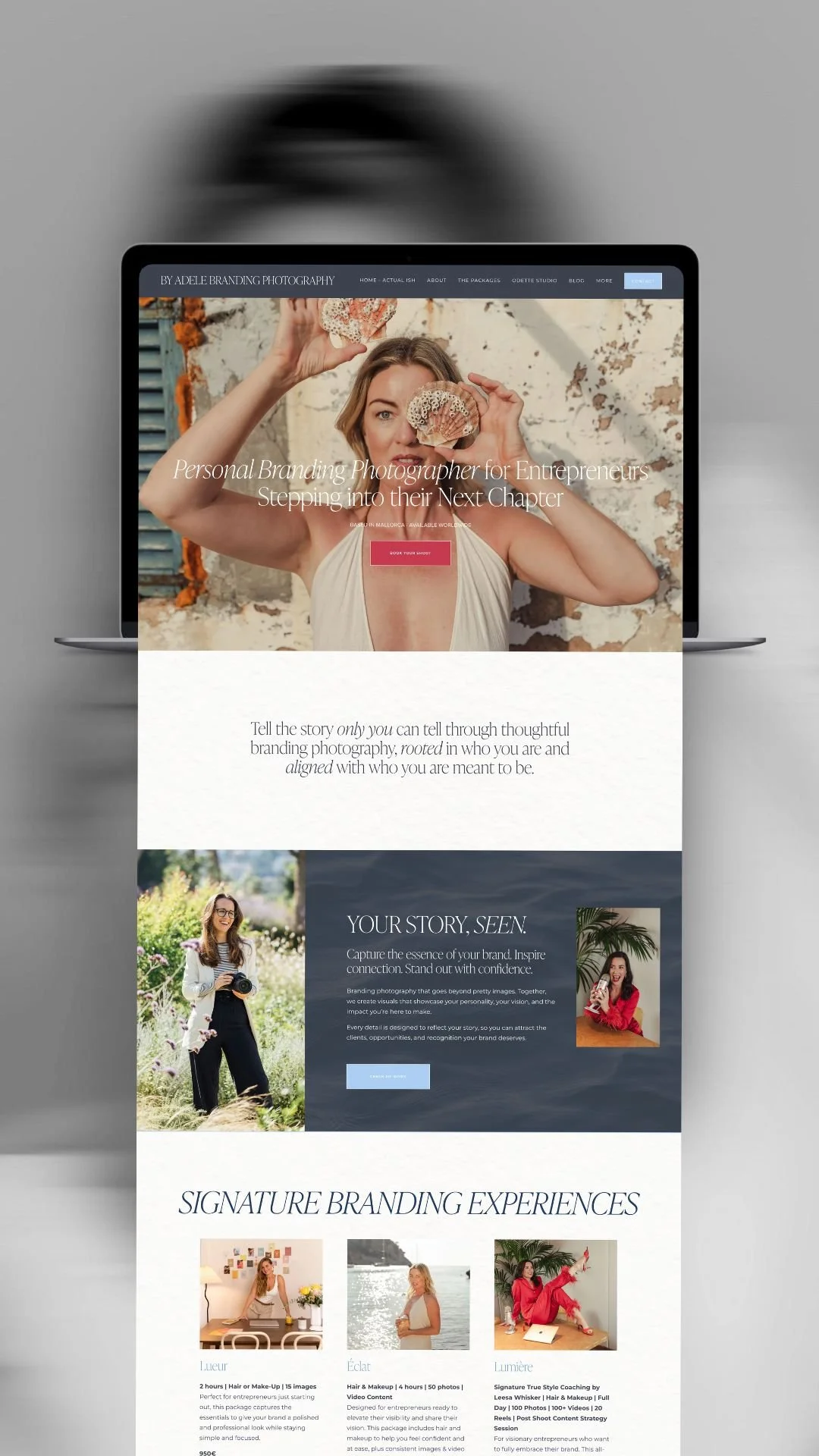
Home page. Its job: help the right person understand in a few seconds that they are in the right place, and show them the next step. Write five parts:
A headline, a short line under it and a button. Formula: I help [who] [get what] with [how].
What you offer. Three short blocks: the name, one line, and a link.
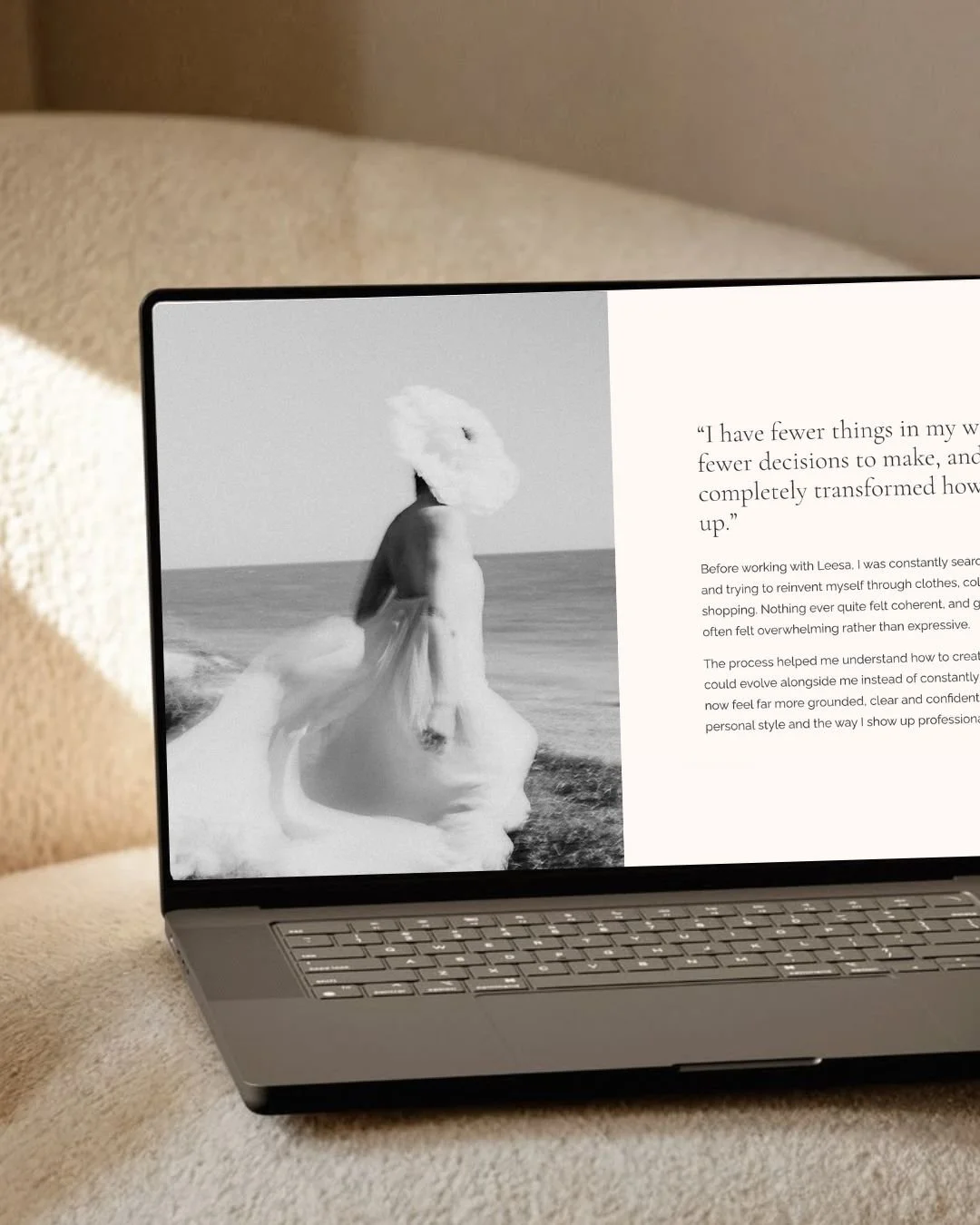
Proof. Real testimonials, real logos or a real result you can show. If you do not have any yet, skip this part. Never invent it.
A short about blurb with a link to your About page.
A final button. The same action as the first one.
The usual mistakes: talking only about yourself, writing it like a CV, hiding the button and explaining everything at once.
About page. Its job: build trust. Write it in four short parts:
The problem your reader has, in their words.
Your approach: how you help.
You: a short story, your training or experience, and why you do this work.
A button to the next step.
Services page. Its job: help people choose. For each service, write:
The name.
Who it is for.
What is included.
How it works, step by step.
The price, a “from” price or how to enquire.
A button.
Start with the service you most want to sell.
Contact page. Its job: make it easy to reach you. Write:
A short welcome line.
The form fields you want (name, email, message, and one question that helps you reply well).
Your email address and where you are based.
How quickly you answer.
What happens next after they send the form.
Extra pages. Only add what you need:
Blog. A short intro, and your first posts.
Freebie page. What it is, who it is for, what they get, and a sign-up button.
FAQ. Six to eight real questions you get asked, with short answers.
Privacy policy and terms. Get these from a source you trust for your country. Do not copy another site.
404 page. A friendly line and a button back to your home page.
Step 4: Write your search text
Every Squarespace page has a field for an SEO title and a description. Write them for each page:
Page title: what the page is and who it is for (70 characters or fewer).
Description: one or two sentences that make someone want to click (about 160 characters, where search engines cut it off).
The phrase you would like to be found for.
A short description of each image (alt text), for people who cannot see it and for search engines.
In my website services, I do the basic on-page SEO for you, including the SEO titles, the descriptions and the image descriptions. If you need more than what is included, I can add it as a paid add-on.
Step 5: Gather what is not words
Your branding, if you have it. Your logo, colours and fonts. If you do not have it yet, I can add a branding kit as a separate service, or I can use the colours and fonts I choose with you in the creative direction.
Your photos and images. Professional photos of you, your work or your space. I also add professional stock photos (not the AI ones 😉)
Your links. Booking, social media and newsletter.
Instead of this, say this
Vague phrases feel safe and say nothing. Say what you do, for whom.
Here are six examples, all from copy I wrote for my clients:
Instead of this: "Welcome to my website."
Say this: "Celebrate the woman you are before you say I do." (a photographer's bridal page)Instead of this: "I offer high quality services tailored to your needs."
Say this: "Your vision. My craft. No compromises." (an upholstery studio)Instead of this: "Click here to sign up."
Say this: "I want to try a class." or "Count me in." (a performing arts school)Instead of this: "I offer personal styling services."
Say this: "Your wardrobe isn't the problem. It's the doorway." (a stylist and mentor)Instead of this: "Professional photography for your business."
Say this: "Branding photography that goes beyond pretty images." (a branding photographer)Instead of this: "Fast turnaround on all orders."
Say this: "Made with intention. Never rushed." (an upholstery studio)
What if you do not want to write it yourself?
That is fine. You have options:
My copywriting guide helps you write your own text. You always get it when you work with me.
Copywriting services are a paid add-on for the Template Restyle and the 1 Week Website. Ask me for the current price.
Three starter blog posts are a paid add-on.
My Custom Website (from €2,000) includes copywriting services.
Your checklist before the project starts
Three answers: who it is for, what you offer, what they should do next.
Copy for each page, in one document.
Button text for each page.
SEO title and description for each page.
Your branding (logo, colours and fonts), if you have it.
Photos of you and your work.
If you work with me, my copywriting guide helps you with all of this, I do the SEO text and I add the stock photos.
Want to work with me?
With the Template Restyle (€640, or €520 if you already own the template) or the 1 Week Website (from €1,200), you bring the copy, with my guide to help you, and I build the site. With the Custom Website (from €2,000), copywriting services are included. Start with this guide and you will be ready.
You do not need perfect words. You need clear ones.
Save this checklist for when you start writing your website.

Hola bonita!
I'm Cristina, a web and branding designer from Mallorca, working worldwide with entrepreneurs who are building their brands and with established businesses whose websites haven't caught up with their work. I mostly work with women entrepreneurs (hence the Hola bonita!), but they are not my only clients.
I build Squarespace websites with soul, designed with strategy, so the people who land on your site understand what you offer and know what to do next.
After designing over 70 websites, for clients and to sell as templates, I know that a website made with care and a clear plan changes how people see your business.
This blog is where I share what I know about websites, templates and marketing, plus a little of what happens behind the scenes, so you can build a brand that feels like you.
Shop the Templates